
Incomplete requests
Buyers often forget quantities, files, garment details, delivery needs, or decoration notes.

Early access for suppliers
Get discovered by buyers, receive clearer RFQ invitations, quote with confidence, and keep awarded work organized from first request to final delivery.

Join print suppliers already building their pipeline with QuickToPrint
Buyers often forget quantities, files, garment details, delivery needs, or decoration notes.

Artwork, questions, and decisions get spread across email, phone, and chat apps.

After quoting, the job context can disappear or become hard to track.
Supplier registration tutorial
Watch the QuickToPrint supplier setup walkthrough to understand registration, company details, capabilities, billing setup, and approval before you start.
Open tutorial on YouTubeShow your print methods, location, languages, and service focus in our public supplier directory.
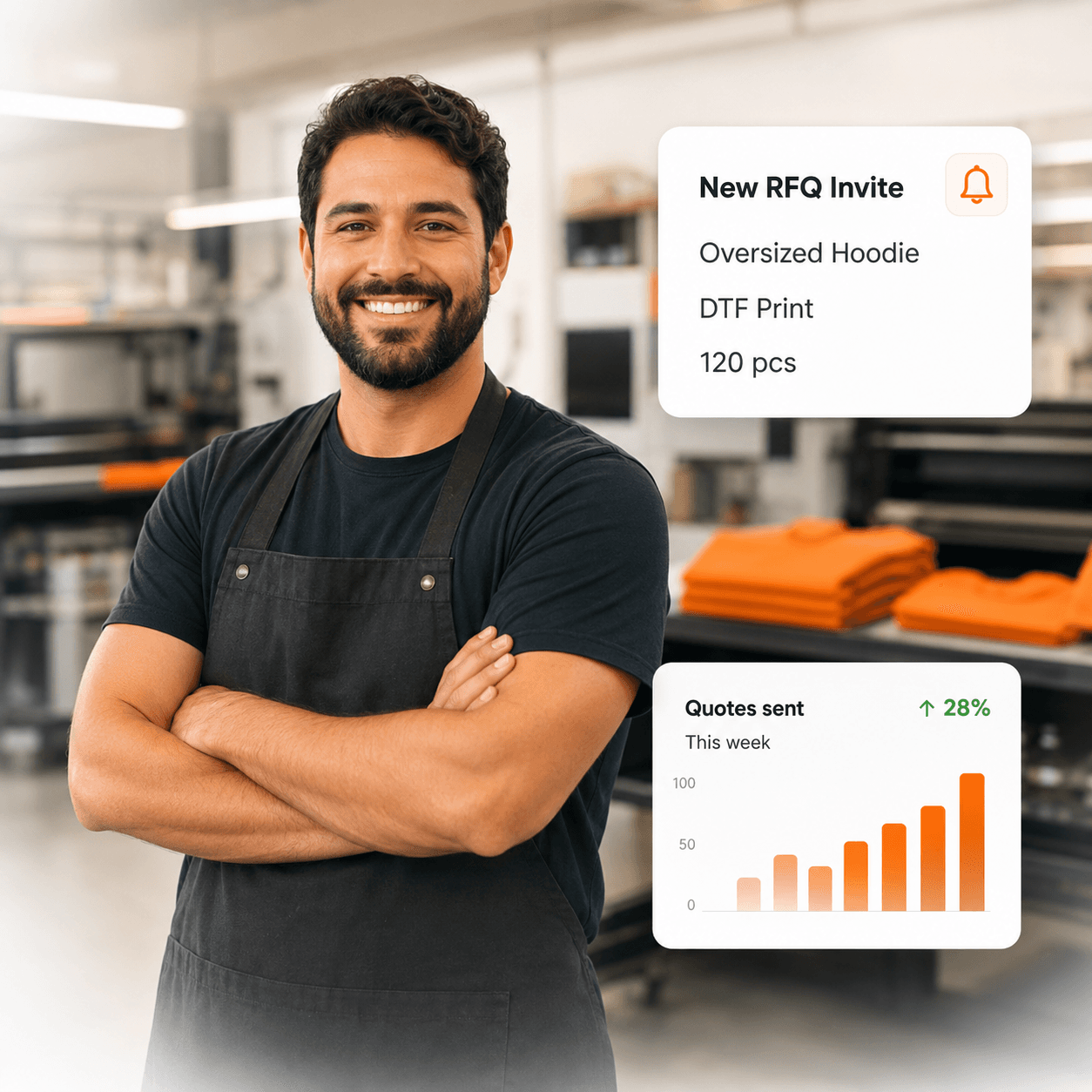
Get structured quote requests where your capabilities match the buyer's needs.
Review quantities, product details, files, delivery notes, and buyer questions in one place.
Clarify missing details in the job conversation before sending your final price.
Higher-volume suppliers can quote faster with pricing and quote-generation tools.
When your quote is selected, continue follow-up from the same job context.
Keep files, samples, approvals, and production updates easier to follow.
Keep commercial information closer to the awarded job as payment workflows expand.
Check updates and RFQ activity from mobile when needed.
We help prepare your profile and guide you through the first awarded job.
€0/month during Early Access. Only commission on awarded work.
 Claim your profile
Supplier questions
Yes. QuickToPrint focuses on RFQ handling, quote submission, and awarded communication rather than replacing the supplier's full production stack.
Yes. Public supplier profiles help buyers research suppliers before they start the RFQ, which can improve shortlist quality.